Burning Rose Photo Effect
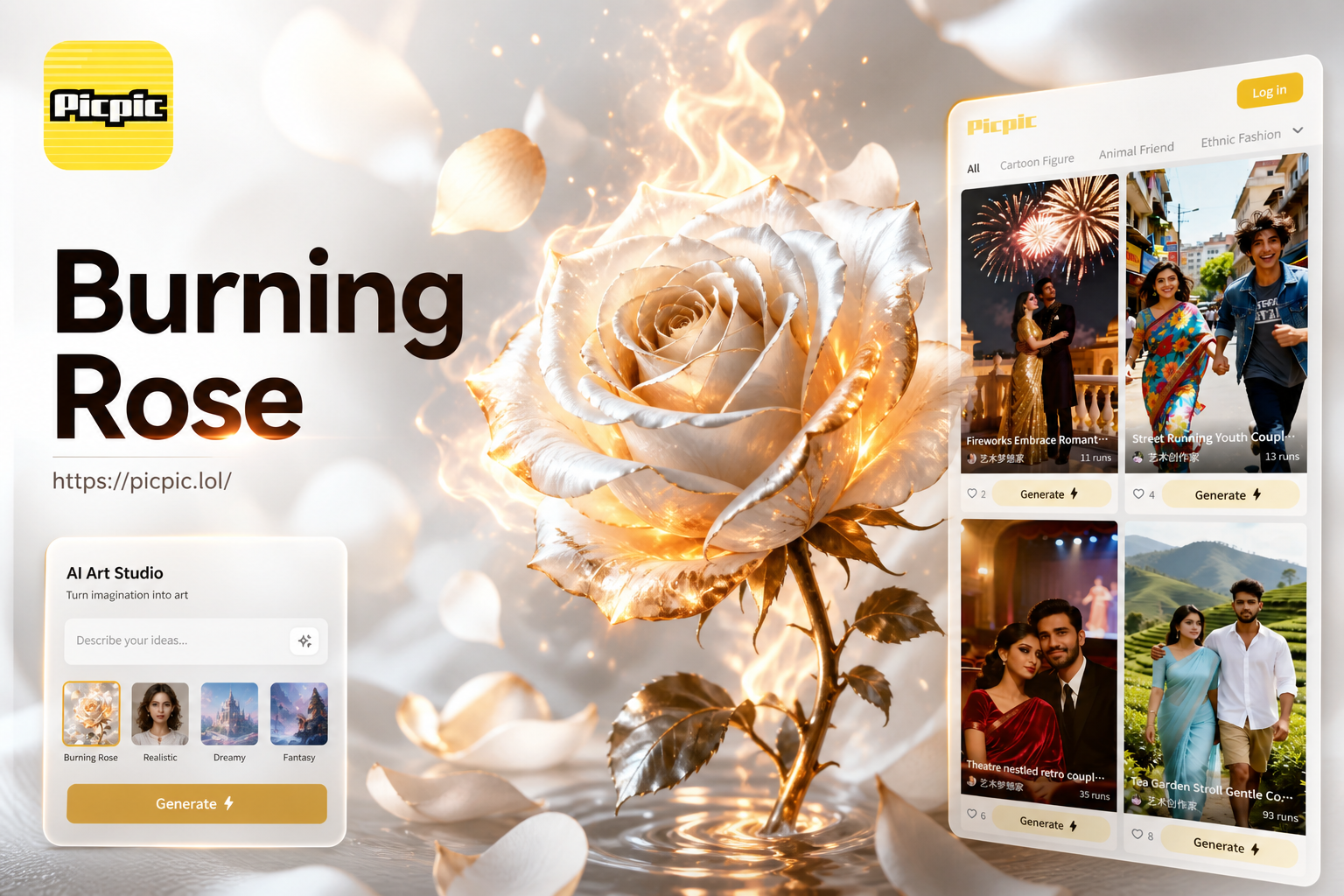
Explore Fiery & Floral Style Filters
Discover a collection of fire, glow, and elemental effects to transform your rose photos.
Why Choose Our Fire Rose Photo Editor
Our AI-powered tool is designed for everyone. Create professional-looking fiery photo effects without complex software or skills.
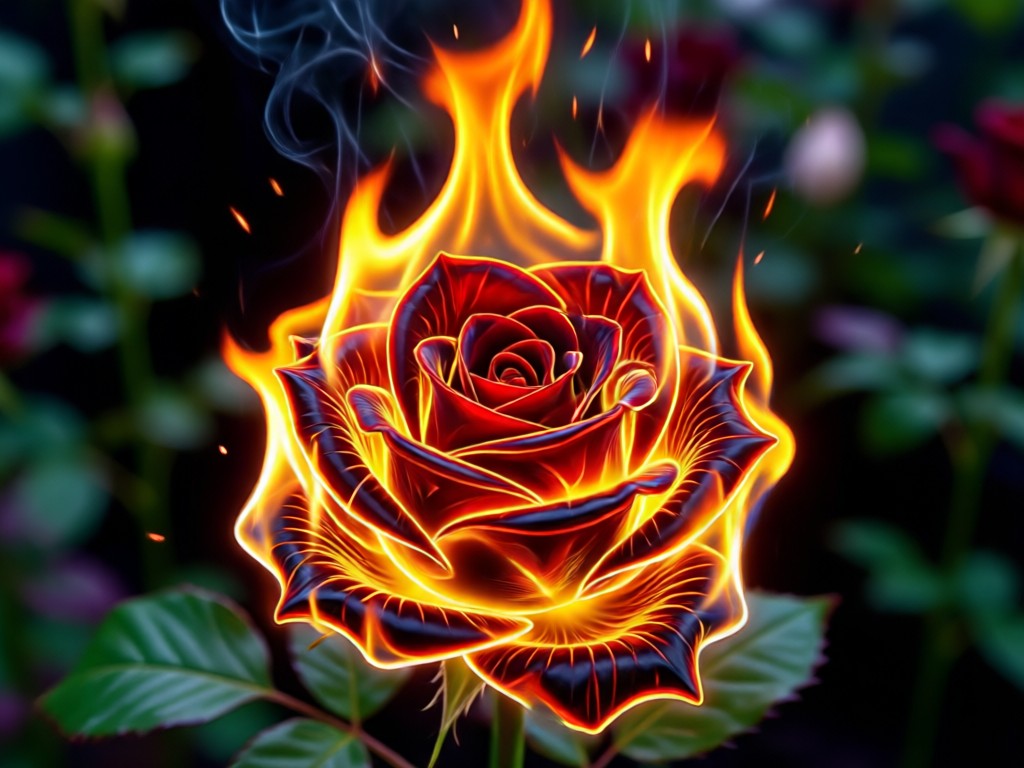
Realistic Fire & Flame Effects
Generate blazing flames, flickering embers, and glowing heat auras that wrap naturally around rose petals and stems. Adjust intensity and color for a perfect fiery look.
Realistic Fire & Flame Effects
Generate blazing flames, flickering embers, and glowing heat auras that wrap naturally around rose petals and stems. Adjust intensity and color for a perfect fiery look.
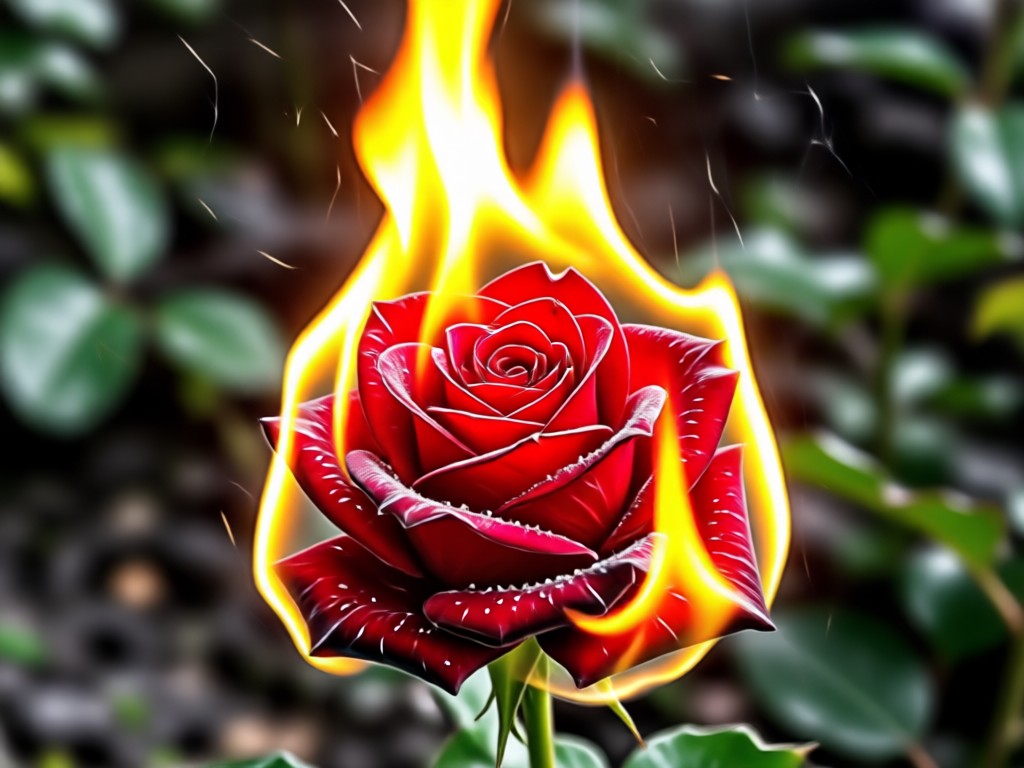
Smart Element Blending
Our AI intelligently blends fire effects with your original photo. It preserves fine details like petal texture and dew drops while adding seamless, natural-looking flames.
Smart Element Blending
Our AI intelligently blends fire effects with your original photo. It preserves fine details like petal texture and dew drops while adding seamless, natural-looking flames.
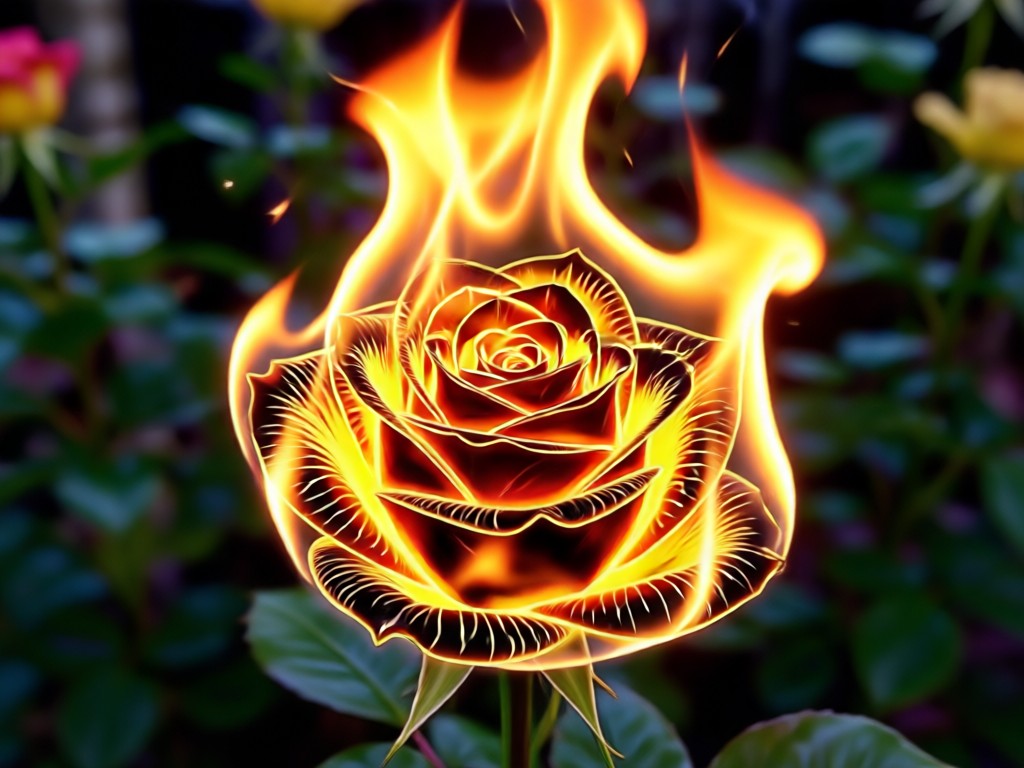
One-Click Style Variations
Experiment with different moods. Choose from subtle glowing embers, fierce infernos, mystical blue fire, or magical glowing petals. Find your perfect fiery aesthetic instantly.
One-Click Style Variations
Experiment with different moods. Choose from subtle glowing embers, fierce infernos, mystical blue fire, or magical glowing petals. Find your perfect fiery aesthetic instantly.
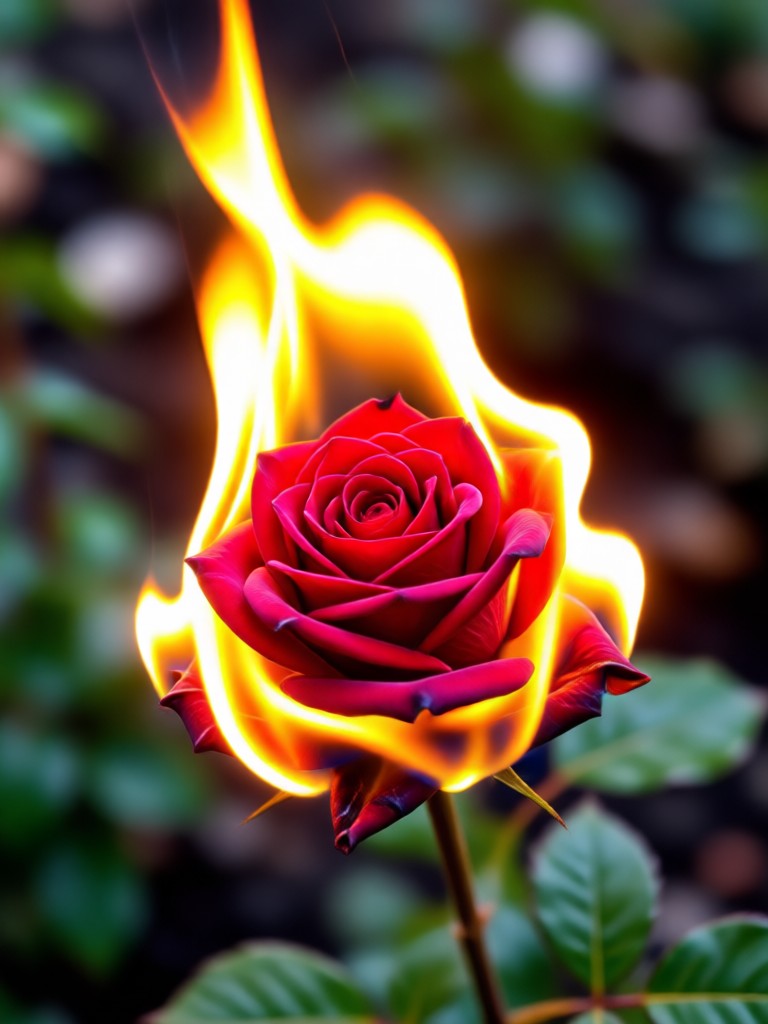
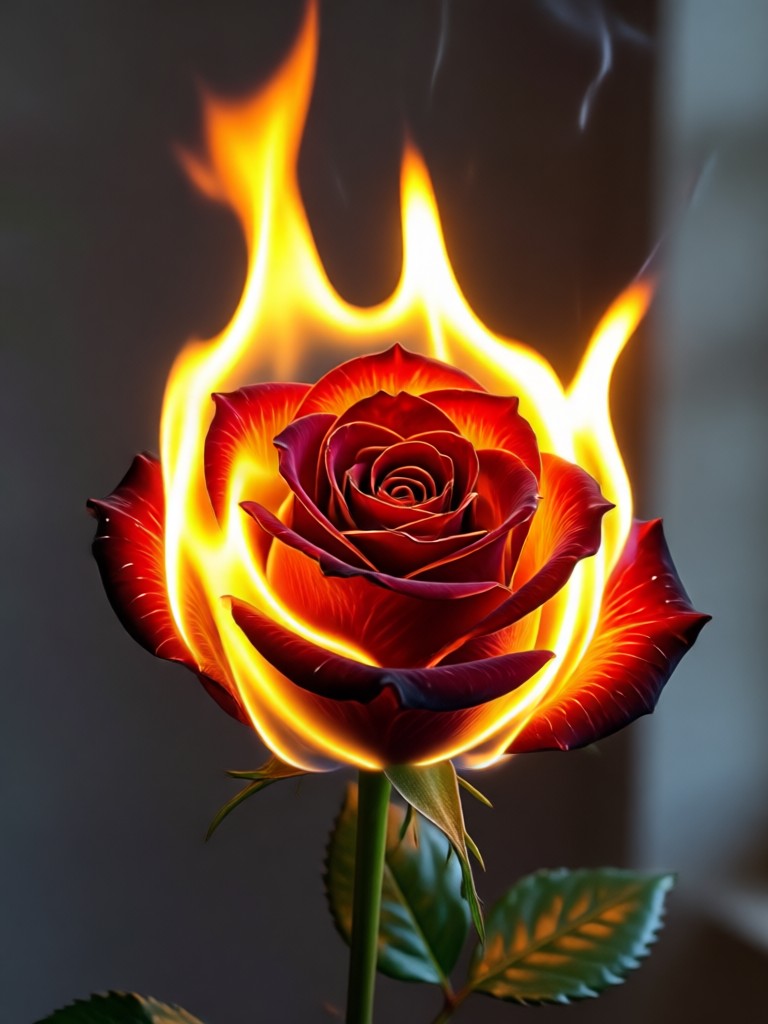
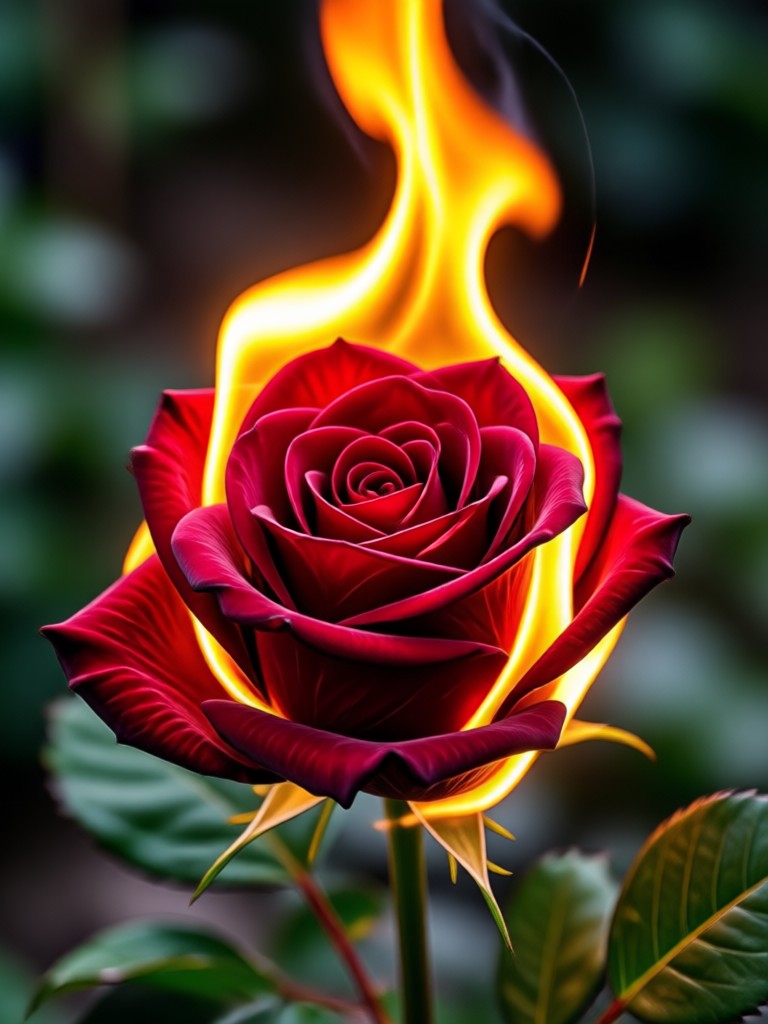
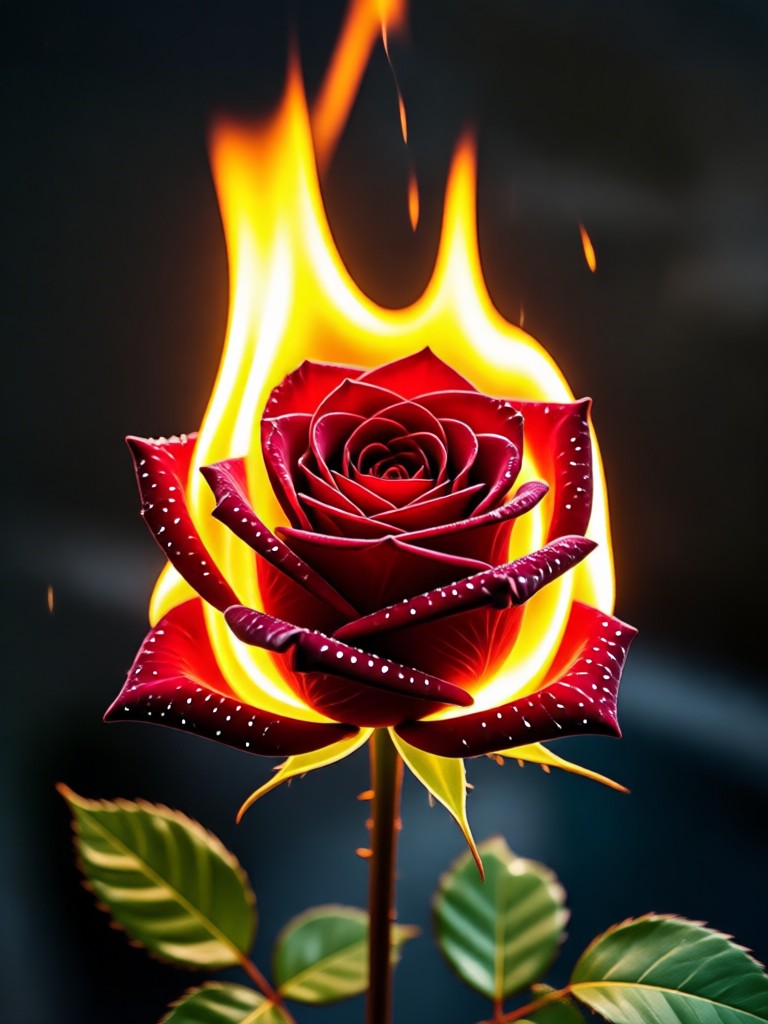
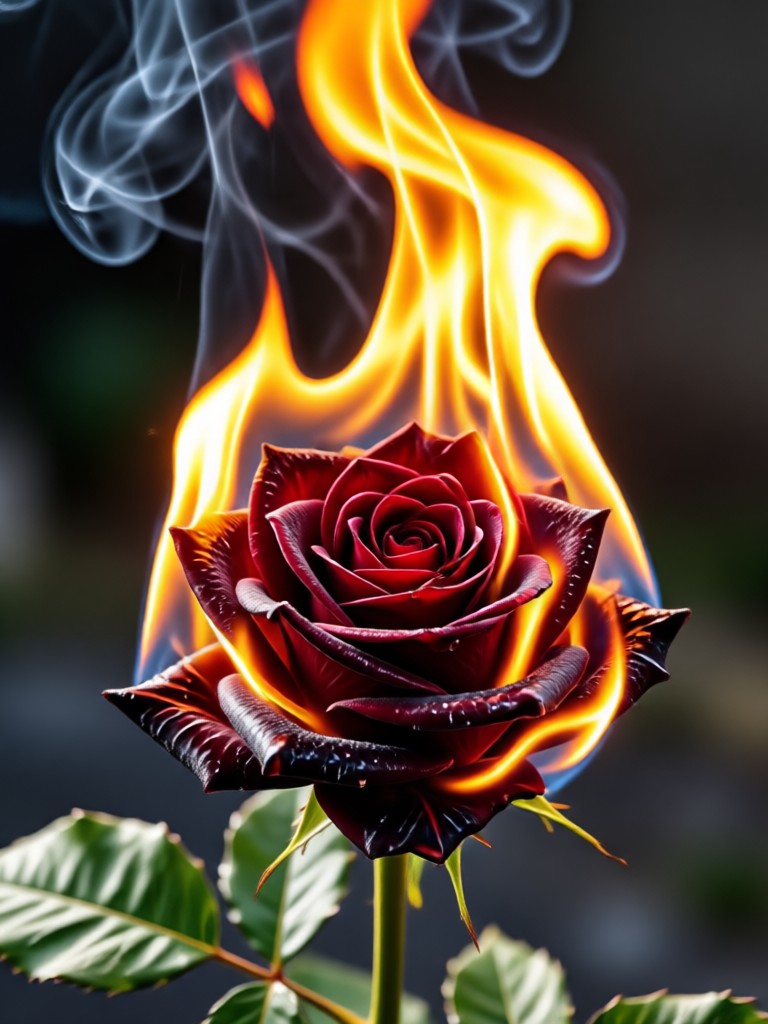
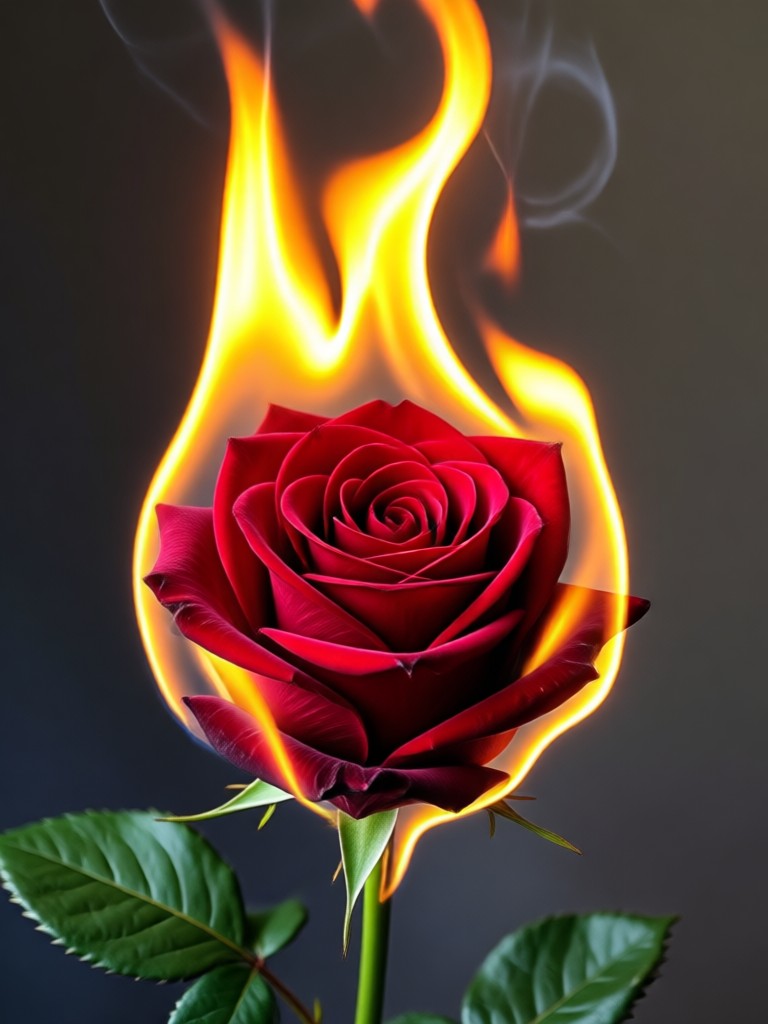
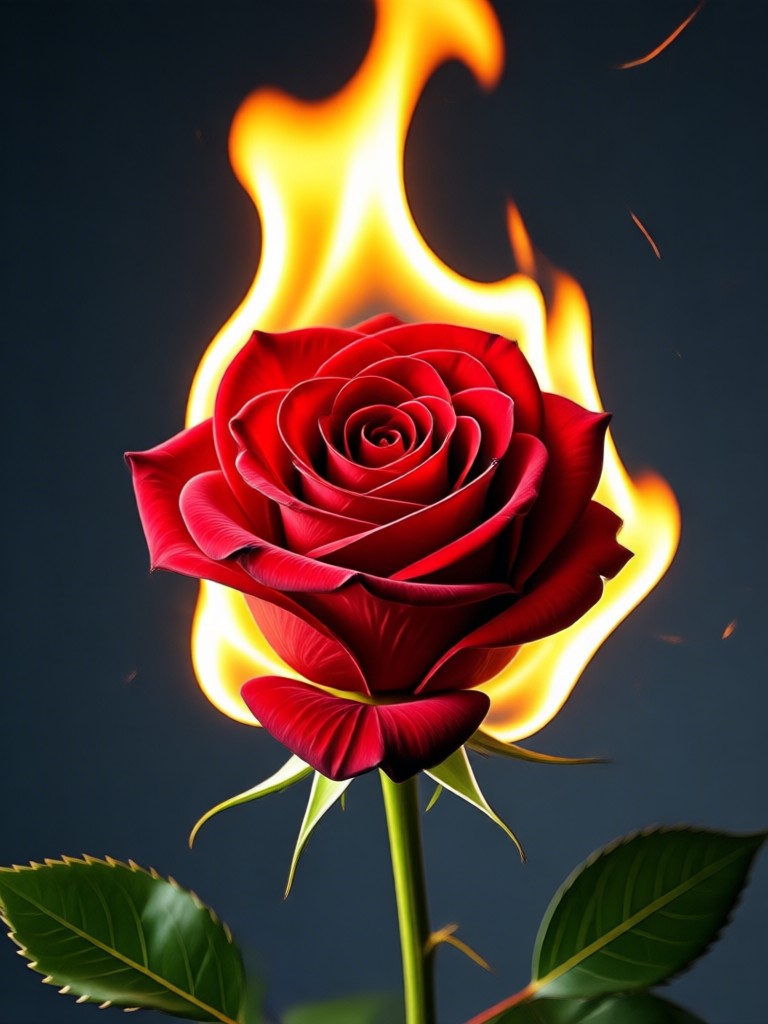
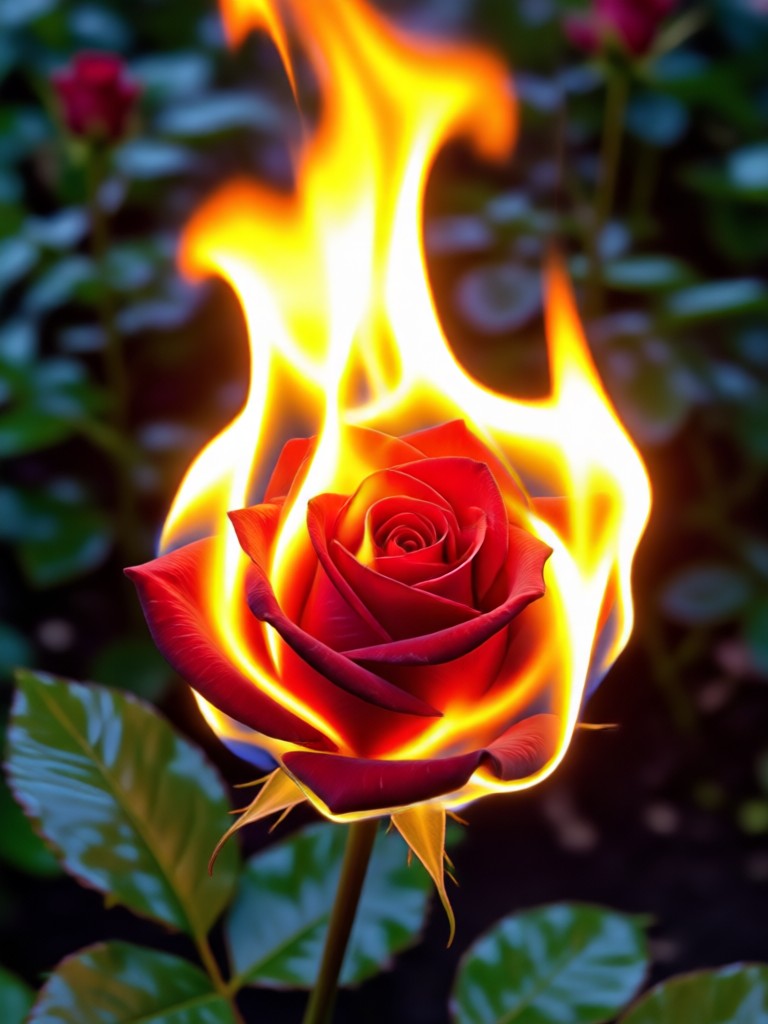
Burning Rose AI Effect Gallery
See what's possible with our fire rose photo editor. Browse stunning creations made by our community and get inspired for your own fiery artwork.
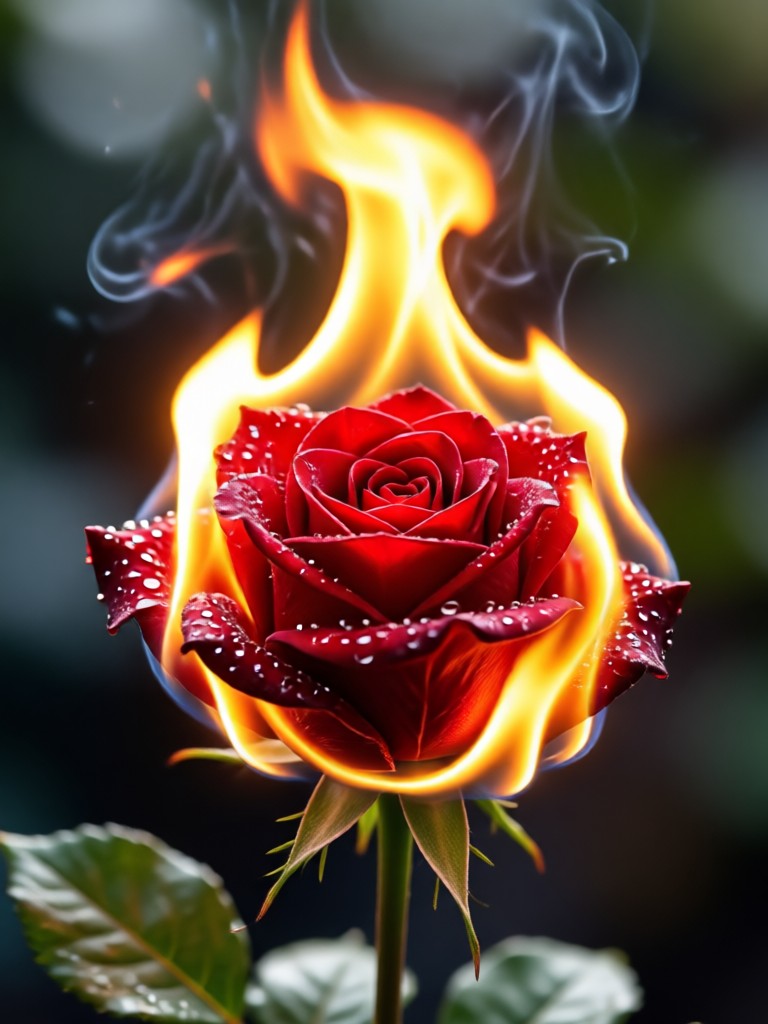
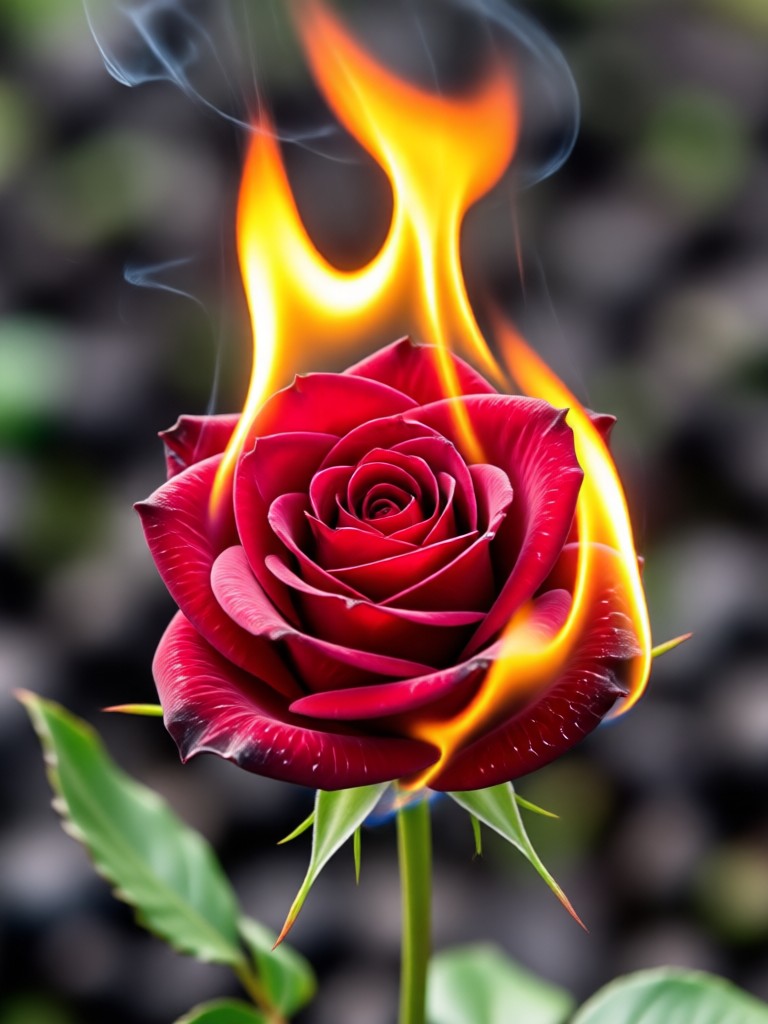
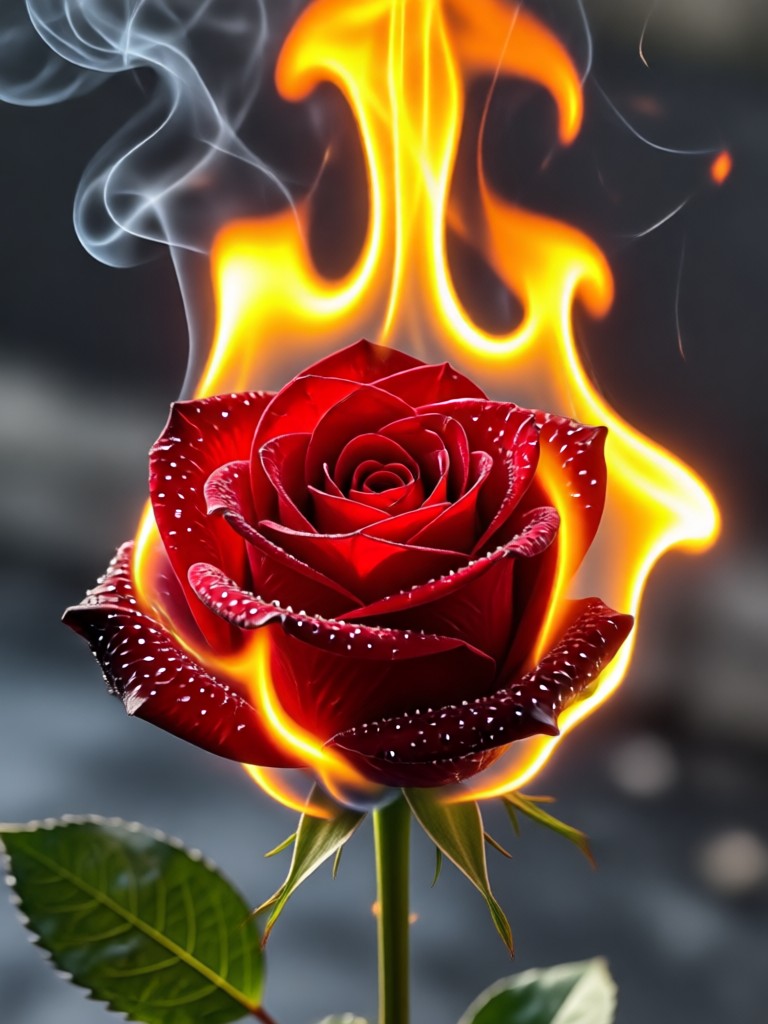
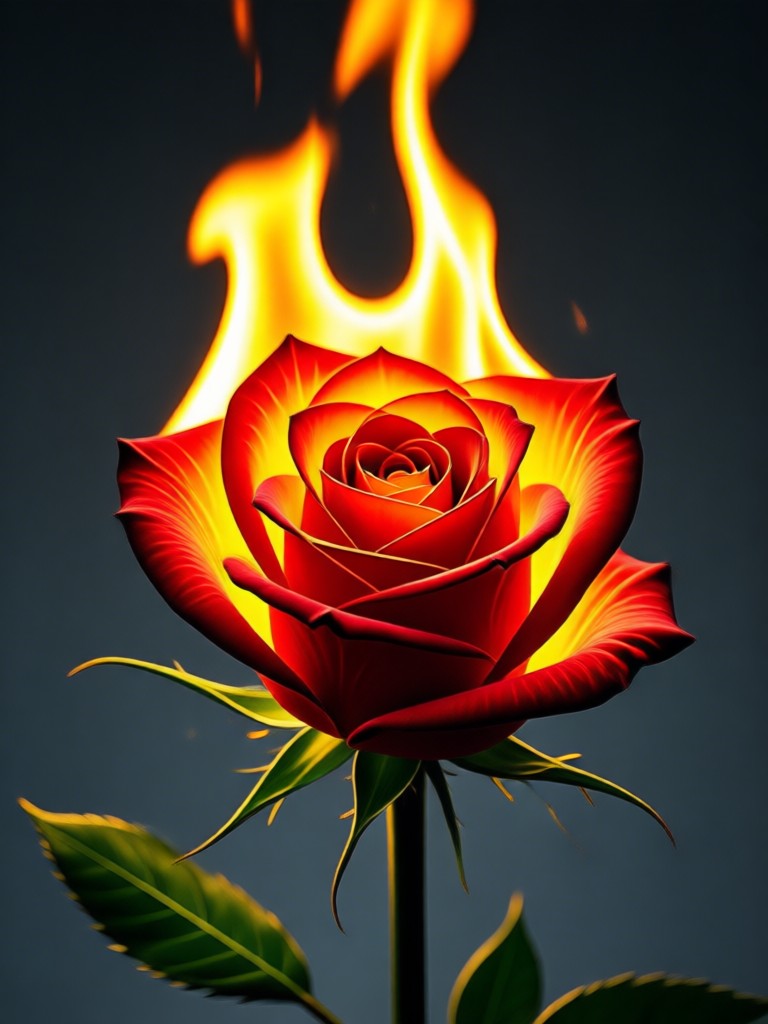
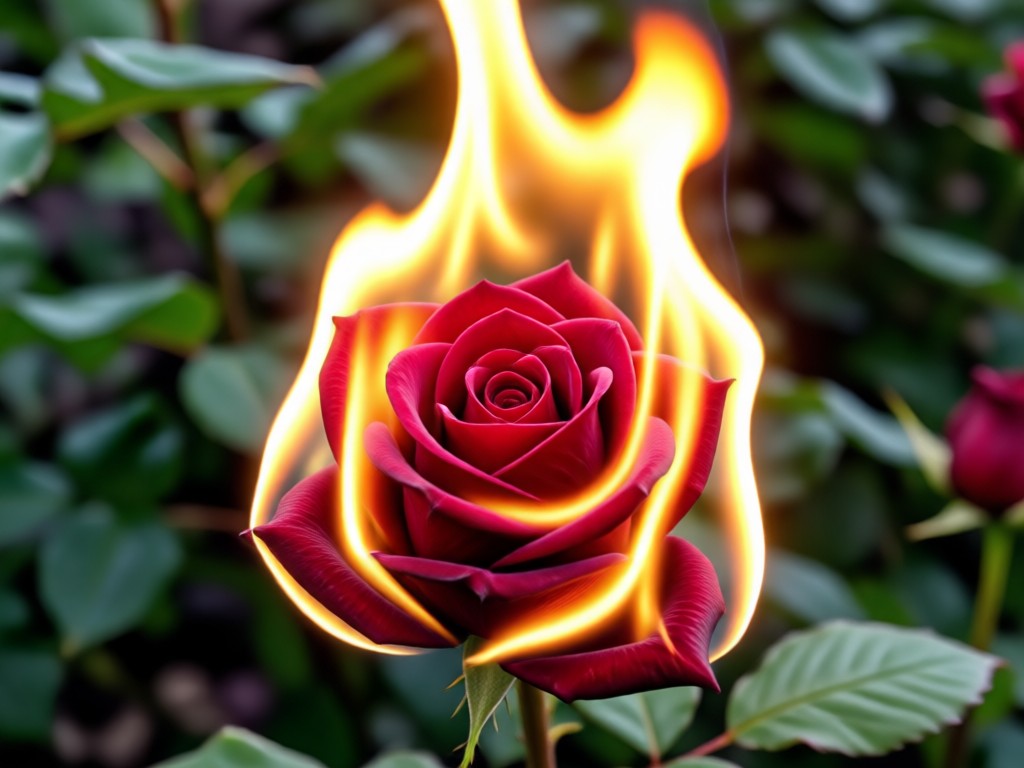
Create Pro-Level Fire Art in Minutes
Forget hours in Photoshop. Our AI understands light, shadow, and texture to apply fire effects that look real. Whether you're a digital artist, content creator, or just love cool photos, this tool makes complex editing simple.
Create Pro-Level Fire Art in Minutes
Forget hours in Photoshop. Our AI understands light, shadow, and texture to apply fire effects that look real. Whether you're a digital artist, content creator, or just love cool photos, this tool makes complex editing simple.
How to Make a Burning Rose Photo?
Create your own stunning fiery rose art in just three simple steps with our mobile app.

Step 01.
Download the picpic app from Google Play. It's your all-in-one mobile studio for AI photo and video effects.

Step 02.
Upload your rose photo and browse the 'Fire & Glow' filter category. Select the 'Burning Rose' or any fiery effect you like.

Step 03.
Generate and customize your image. Adjust the flame intensity, then download your fiery masterpiece to share online.
What Creators Say About the Fire Rose Effect
Transformed my floral photography instantly
I shoot roses for my Instagram page. This fire rose editor added a dramatic, viral-worthy element I could never achieve manually. The AI blending is flawless.
Perfect for dark fantasy album art
As a musician, I used this to create the cover for my latest single. The burning rose effect gave me exactly the haunting, powerful vibe I needed in minutes.
My go-to tool for unique social content
It makes my content stand out. The fiery effects are so realistic, and my followers always ask how I edit my photos. It's incredibly easy to use.
Need Inspiration? Try These Fire Rose Ideas
Upload a close-up of a red rose and apply the 'Crimson Inferno' filter for intense flames. For something subtler, use a white rose with the 'Glowing Ember' effect for a soft, magical heat glow. Experiment with different base photos for unique results.
Burning Rose Photo Effect FAQs
Get quick answers to common questions about creating and using fiery rose photo effects with our AI editor.
More Topics You May Like
Explore more topics you may like and discover fresh ideas tailored to your interests.
Ignite Your Creativity Today
Download the ultimate AI effects app. Create stunning burning rose photos, videos, and thousands of other viral styles directly from your phone.

Ignite Your Creativity Today
Download the ultimate AI effects app. Create stunning burning rose photos, videos, and thousands of other viral styles directly from your phone.